 Skip to content

Stop building rotas, start running them
Build a staff roster in minutes, fill gaps without the phone calls, and see your staffing across every site with care rostering software from Syncurio.

The care rostering system that takes minutes, not hours
Syncurio’s rostering system was built by care home operators who got tired of the spreadsheet shuffle. We designed it for speed, for visibility, and for how care homes work.
Templates mean you’re not starting from scratch. Drag-and-drop means changes take seconds. And because everything’s connected – across all your sites – you always know who’s available, who’s already working, and who can pick up that extra shift.
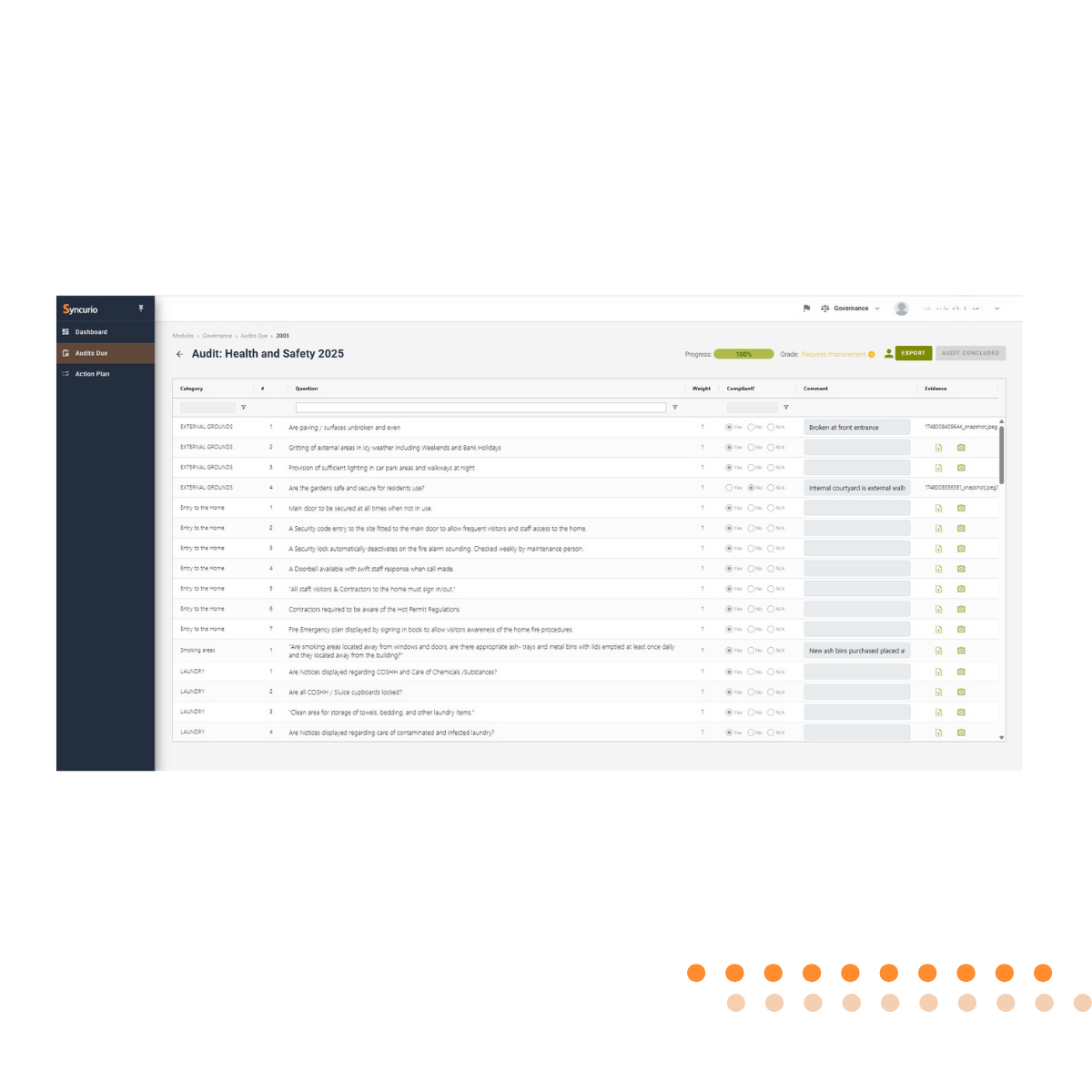
Build budgets and rotas from templates
Build your budget, align it to your roster, and analyse. Create your standard patterns once, then apply them with a click. Weekly templates, rotating patterns, seasonal adjustments: whatever works for your home.
Drag-and-drop adjustments
When things change – and they always do – moving shifts is instant. Drag a shift to a different day, a different time, a different person. The system shows you conflicts before you create them.
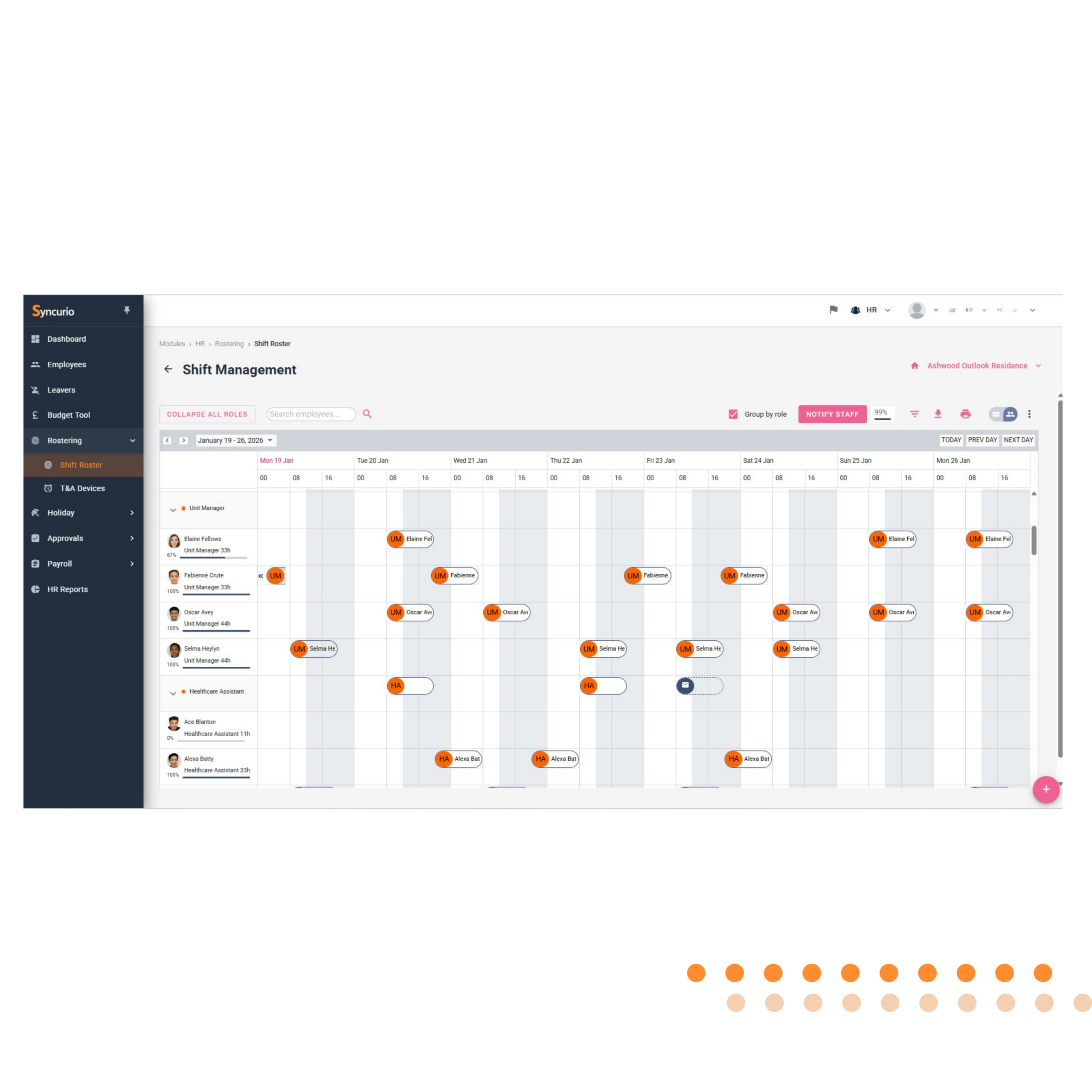
See availability
at a glance
Who’s on holiday? Who’s already working? Who’s available and likely to pick up extra hours? The dashboard shows you everything. No more guessing, no more cross-referencing.
Connected to everything else
Your rostering system doesn’t live in isolation. When staff clock in, it checks against their scheduled shift. Clocking data flows straight to payroll. Holiday bookings automatically block out availability. It all works together – because it was built to.
The impact
| Metric | Result |
|---|---|
| Hours saved | Operators save 12-13 hours a month on shift filling alone |
| Agency reduction | 30% lower agency spend through better internal visibility |
| No double-bookings | Multi-site visibility prevents scheduling conflicts |
| Staff satisfaction | Clear schedules and easy shift requests improve retention |
What our clients say
Rotas that work for everyone
A rostering system designed around care home shifts
Care homes run around the clock, with days, nights, long days and on-call cover across carers, nurses, domestic and kitchen teams. A generic scheduling tool rarely copes. Syncurio’s rostering system was built for exactly these patterns.
Budgets and rotas are built together, so you can see the cost of a rota before you publish it. Staff working across more than one home are visible everywhere, and anyone on holiday, off sick or not cleared to work is blocked from shifts automatically.
The rostering system also helps you stay on the right side of the working time rules and sponsored worker hour limits, flagging problems before a shift is assigned rather than after it has been worked.
Rostering system FAQs
Can staff see their shifts?
Yes. Staff can see their shifts clearly and request changes, which reduces missed shifts and last-minute calls.
Does the rostering system connect to payroll?
Yes. Staff clock in against their rostered shift, anomalies are flagged, and approved hours flow straight into payroll.
Can we roster across several homes?
Yes. See who is available, who is already working and who can pick up extra hours across every site, without double-booking anyone.
See rostering in action
Book a demo and we’ll show you exactly how Syncurio handles rostering. We’ll walk through building a rota, filling a gap, and seeing your staffing across sites – all in 20 minutes.